Windows 10 – upgrade Home to Pro
This guide shows you how to perform an in-place upgrade from Windows 10 Home to Windows 10 Pro.
Step-by-step guide
Back up your data.
Disconnect the computer from the Internet – this step is very important. The upgrade needs to be performed in offline mode.
Go to: Settings → Update and Security → Activation.
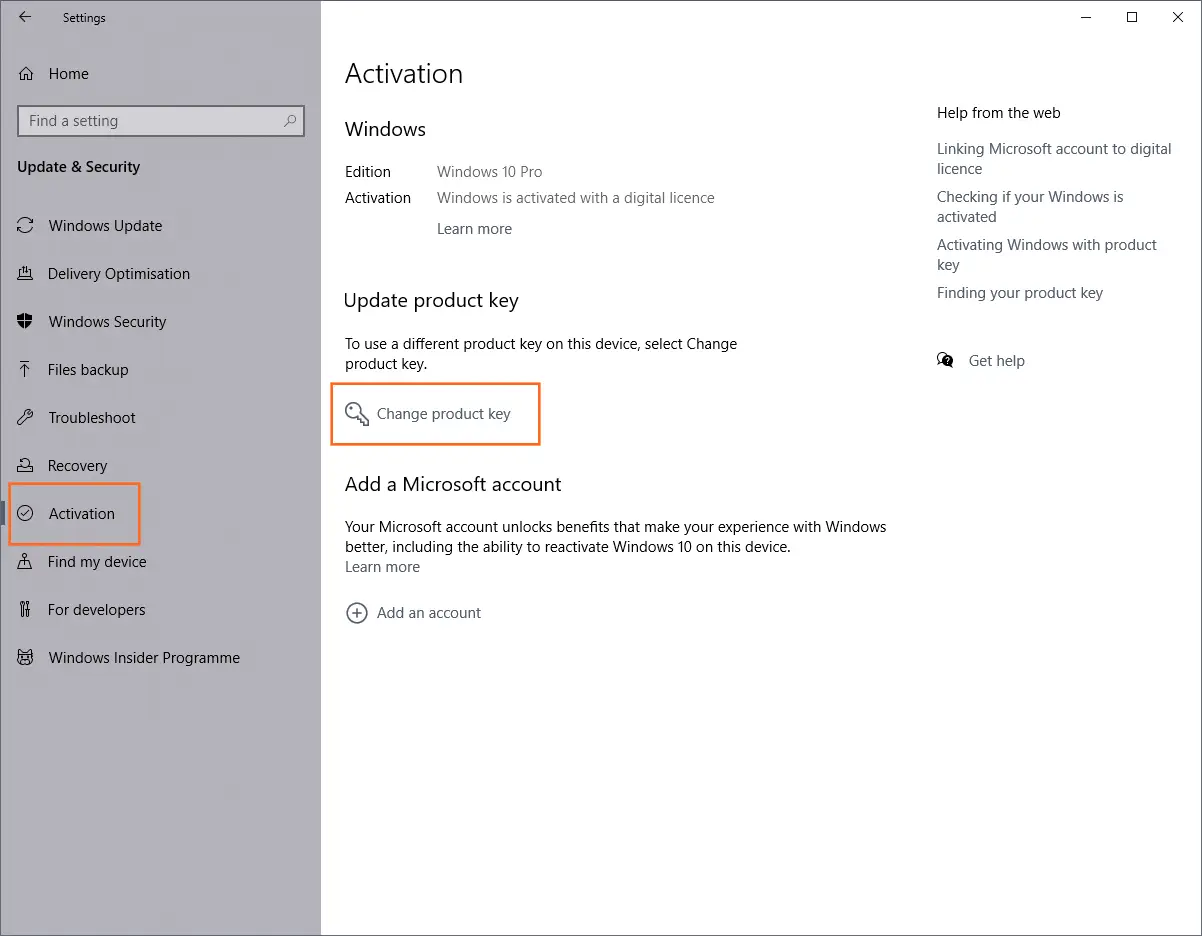
Click Change product key and enter the following Generic Volume License Key (GVLK) for Windows 10 Pro:
VK7JG-NPHTM-C97JM-9MPGT-3V66TThe system will allow you to upgrade. Click Next and continue with the process.
Once everything is complete, connect the computer to the internet and install all available updates (Settings → Update and Security → Windows Update).
When latest updates are installed, go to Activation again and enter your product key for Windows 10 Pro to activate the system.