Office 2024/2021/2019 Standard on macOS – installation and activation
Step-by-step guide for installing and activating Office LTSC Standard on macOS (versions 2024/2021/2019).
Before installing your software, please make sure that:
your computer meets the following recommended Office requirements: hard disk space: 4 GB; RAM: 4 GB; screen resolution: 1280×768 or higher.
your operating system is one of the 3 most recent versions of macOS* – Sonoma, Sequoia, or Tahoe.
* Note: Office 2019 Standard is no longer supported by Microsoft on the newest macOS versions. It is still possible to deploy it but there are no official bug fixes and patches.
Step-by-step guide
I. Installation
Go to oneslm.eu/login and login with your email and order number.
Download the installation file for Office Standard, as well as the Volume License (VL) Serializer.
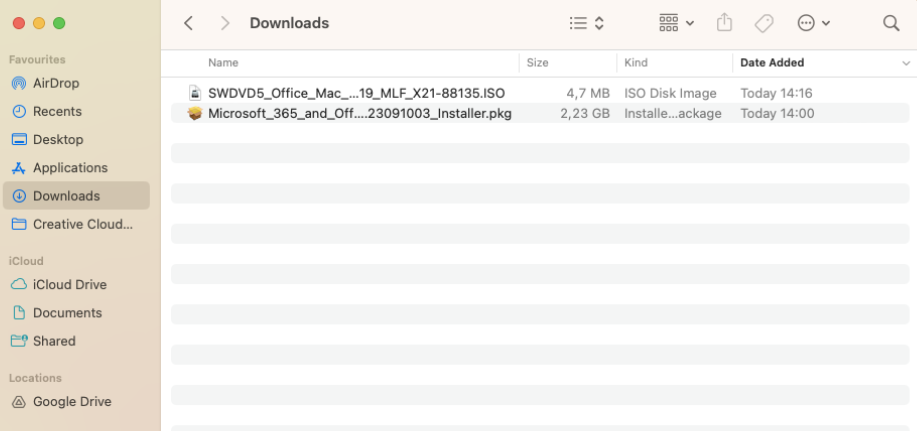
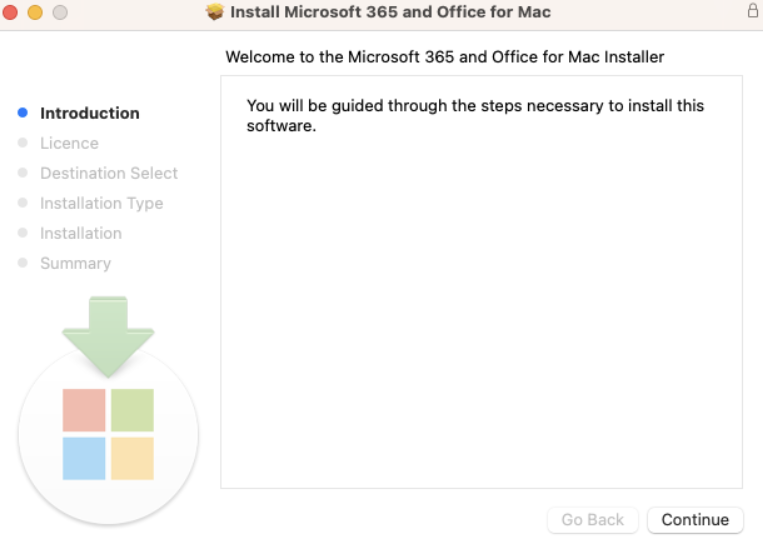
Once both files are downloaded, double-click the Microsoft Office installer package to initiate the installation process. Follow the instructions until the installation is complete.
II. Activation
Once the installation of Office Standard is done, you need to activate your product to finalize the process.
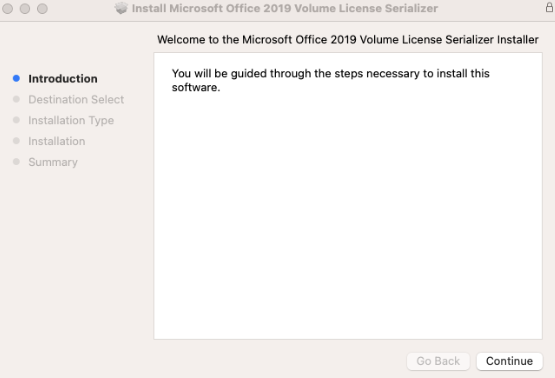
Run Volume License (VL) Serializer.
Follow the steps and the process will automatically activate your Office Standard for macOS.
Open any Office application (such as Word, Excel or PowerPoint) in order to confirm its successful activation – all features should be active and available.