FAQ: Forscope account
Find answers to questions from our customers related to their Forscope accounts.
Table of contents
Where can I see my order history?
Log in to your Forscope account, then look for My orders on the Overview page.
How can I change my account details (e.g. phone number, billing address etc.)?
To change your details, log in to your Forscope account, then click My profile in the right upper part of the Overview page.
How can I change my password?
Method 1: Log in to your Forscope account, then click Change password in the upper right part of the Overview page. It will lead you to a page where you can set a new password.
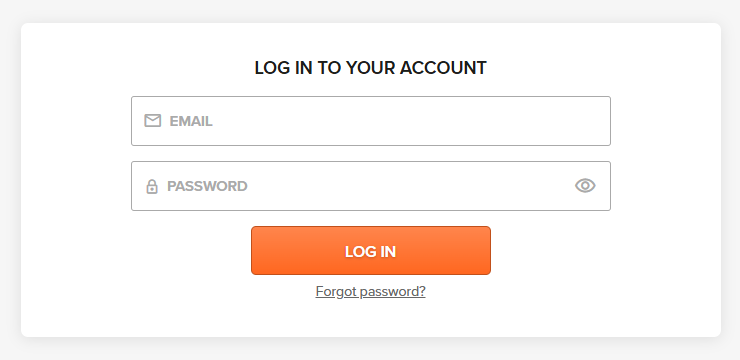
Method 2: Reset your password via the Forgot password? link located under the Log In button.